Working with contracts
Mobile App
Template Contract
Integrations
QR Contract
Electronic certificates of completed work
International EDI
Electronic employment contracts
Documentolog Advances
Opportunities
About us
Resources

Sharing our experience on how to streamline document flow,
work as a team, and improve business efficiency

19.01.2024
3 min.
1457
Documentolog Market has been updated to version 1.8
A new service has been implemented - Counterparty Reliability Check.
View
09.01.2024
3 min.
2205
New Interaction Format with Documentolog Support Service
Starting January 3, 2024, the Support Service will transition to a new interaction format that eliminates the use of incoming calls. This means you will not need a single contact number - all communication will be conducted through the Documentolog Personal Account.
View
08.01.2024
3 min.
2611
Access to Documentolog Business, Personal, Market products will be available only via email
These changes are being implemented in connection with the development of a unified Documentolog Authorization Center and the unification of authorization processes based on user identification via email. This will allow you to easily switch between different Documentolog products and will also provide the opportunity for foreign users, both individuals and companies, to register.
View
05.01.2024
3 min.
1502
Documentolog Business updated to version 3.19
The document sending feature via email and SMS has been improved; now the user can choose only one method of sending.
View
21.12.2023
3 min.
2162
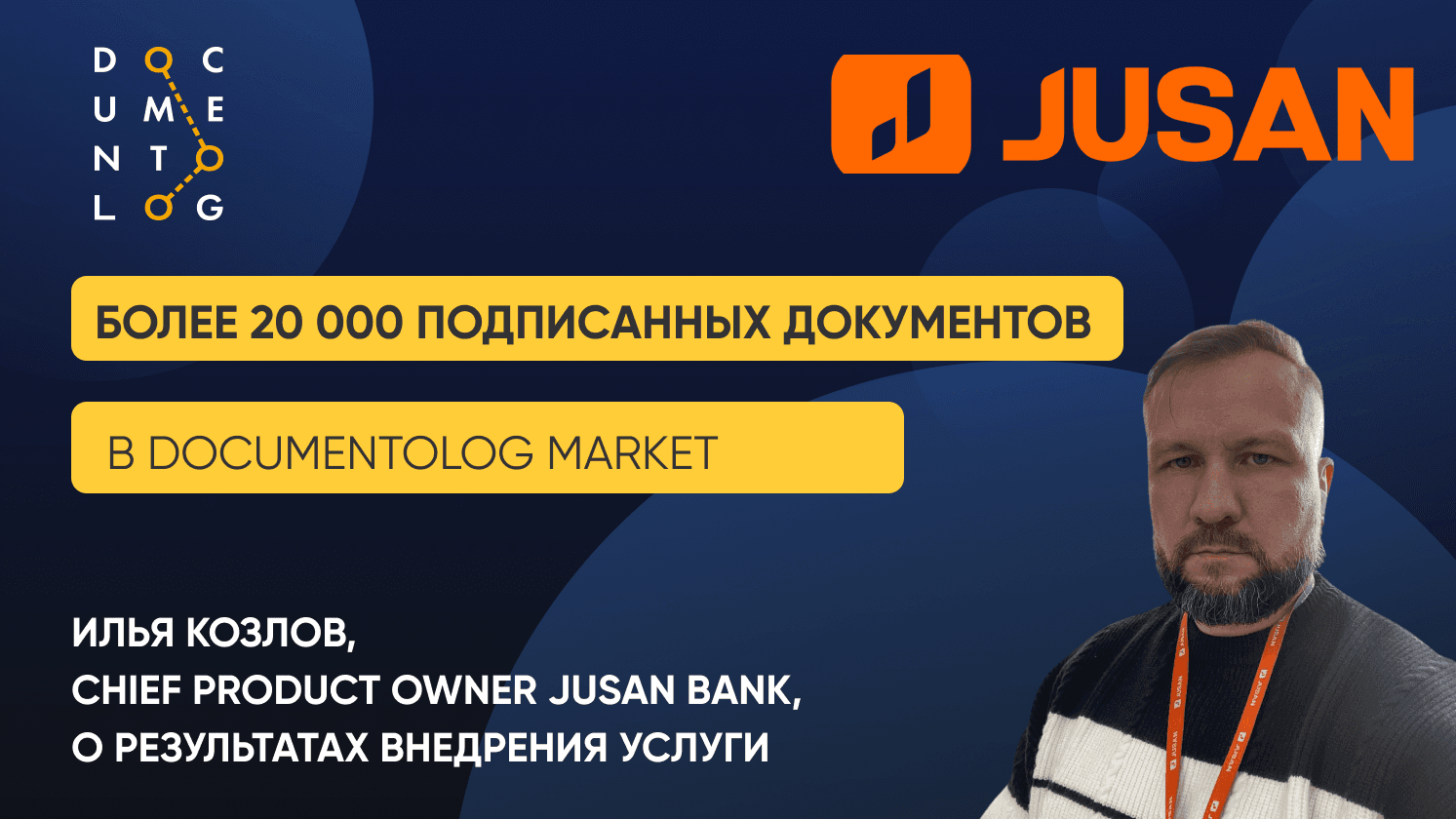
Digital Service of Jusan Bank: Over 20,000 Signed Documents in Documentolog Market
Automation has not only simplified the process of signing and receiving documents, creating a positive experience for clients, but also improved the qualitative and quantitative indicators of the Bank.
View
19.12.2023
3 min.
1455
Documentolog Business has been updated to version 3.18.1
1. Improved folder display in the sidebar menu: by default, 4 document types have been added under the Folders section, the Market has been expanded, and scrolling has been added. 2. An email notification has been added for signers of the "Damu Subsidy" service when transitioning to the "Signing" status.
View
Go to Page