
Working with contracts
Mobile App
Template Contract
Integrations
QR Contract
Electronic certificates of completed work
International EDI
Electronic employment contracts
Documentolog Advances
Opportunities
About us
Resources

Sharing our experience on how to streamline document flow,
work as a team, and improve business efficiency

18.09.2022
3 min.
1372
Doculite.com has been updated to version 1.3.3
1. Support Center has been implemented. 2. Verification of all document types on the ezSigner service has been implemented.
View
04.09.2022
3 min.
1712
Doculite.com has been updated to version 1.3.2
1. Implemented the ability to sign documents with an electronic signature from the Certification Center "IOK LLP "NIL "Gamma Technologies", intended for non-residents of the Republic of Kazakhstan. 2. Improved the functionality of the "Field Constructor", designed for recipients to add fields anywhere in the document.
View
04.09.2022
3 min.
1841
Documentolog Business has been updated to version 3.3
1. The route and Contract card have been optimized and simplified: • The ability to send the Contract to the counterparty from the 'Creation' stage has been implemented;
View
31.08.2022
3 min.
2304
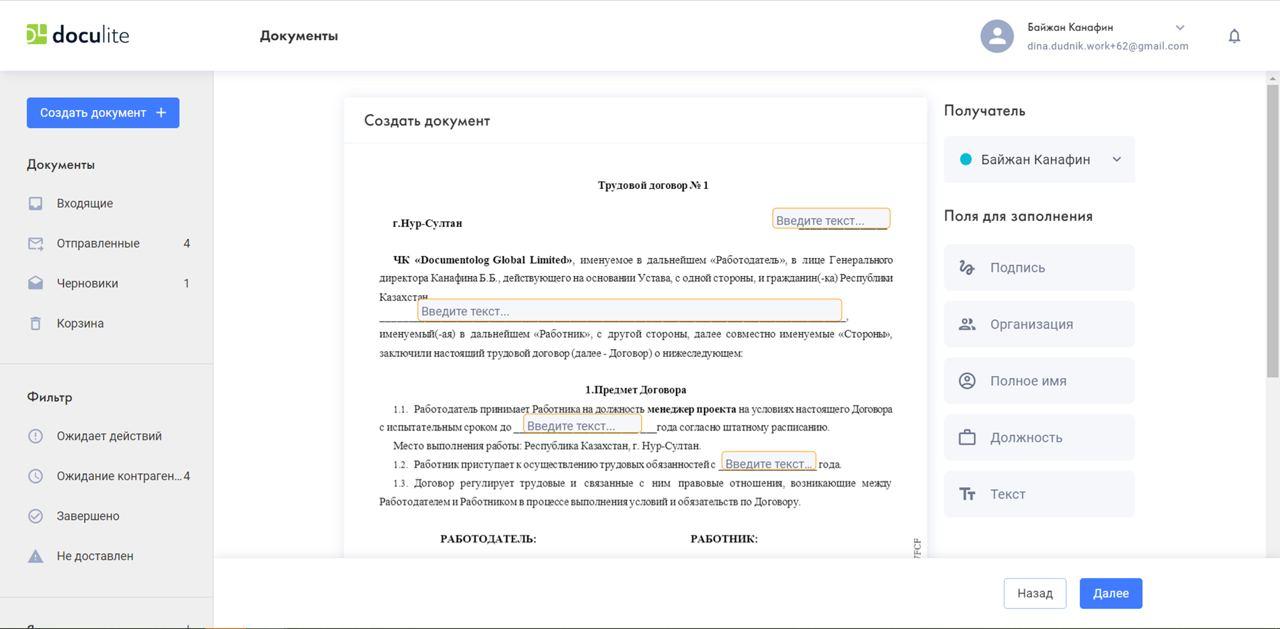
New Features of Doculite.com: Document Builder and 'Live' Signature
Doculite.com is a global service for signing and storing documents, enabling individuals to engage in legally significant electronic document exchanges not only with partners in Kazakhstan but also worldwide.
View

26.08.2022
3 min.
1340
Documentolog Company Celebrates 15 Years!
Documentolog Company Celebrates 15 Years!
View
15.08.2022
3 min.
1802
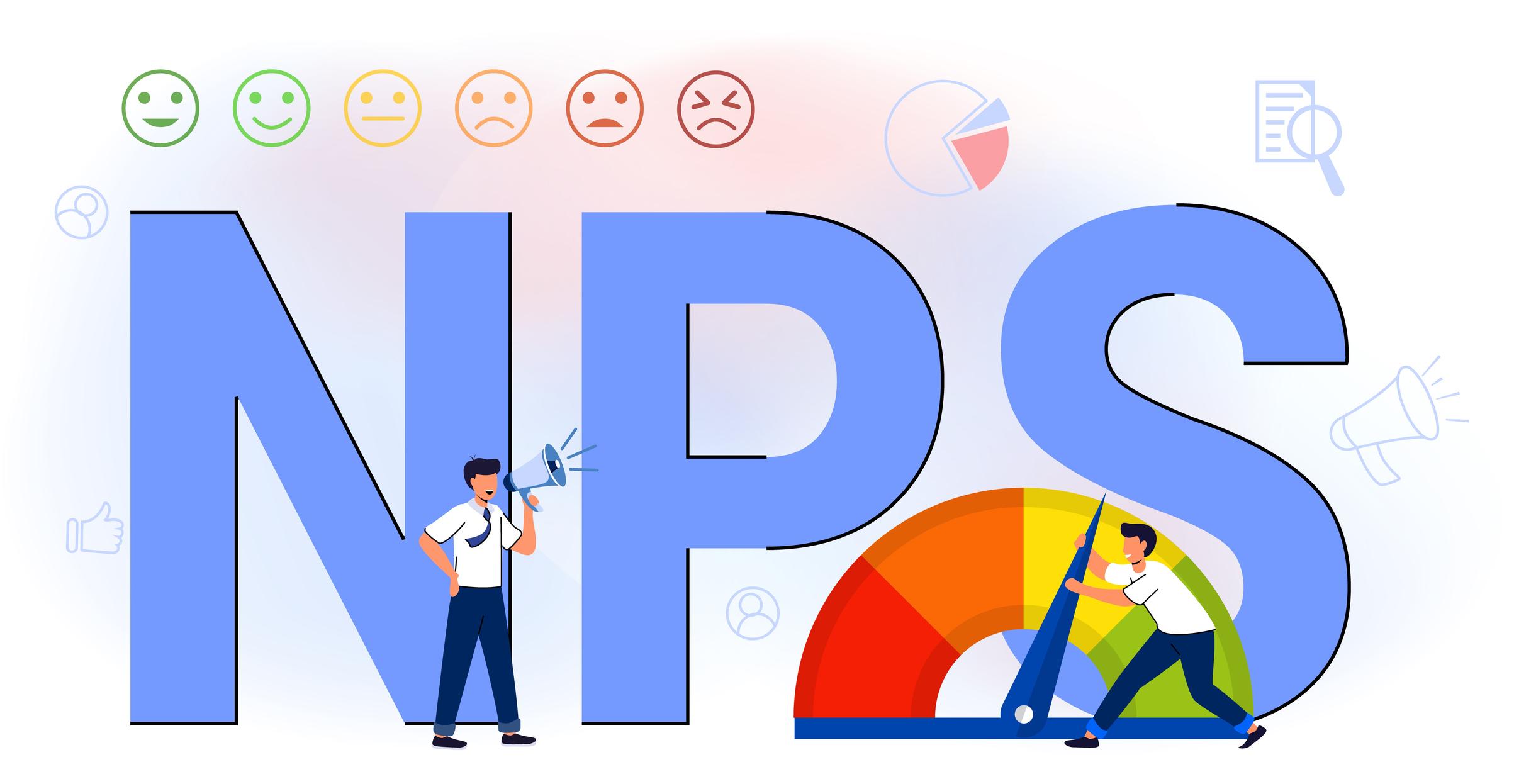
Documentolog's NPS Indicator Exceeds the Global Average by 10.64%
When creating our solutions and developing functionality, we always ask ourselves these questions and work on improving the quality of service and loyalty of our clients. For a qualitative measurement of user loyalty, we have been measuring NPS (Net Promoter Score - "customer loyalty index") for the second year now. In global practice, NPS is an indicator that allows us to assess the level of customers' willingness to recommend the company to their friends, partners, and acquaintances.
View
Go to Page